Desktop app for MacOS
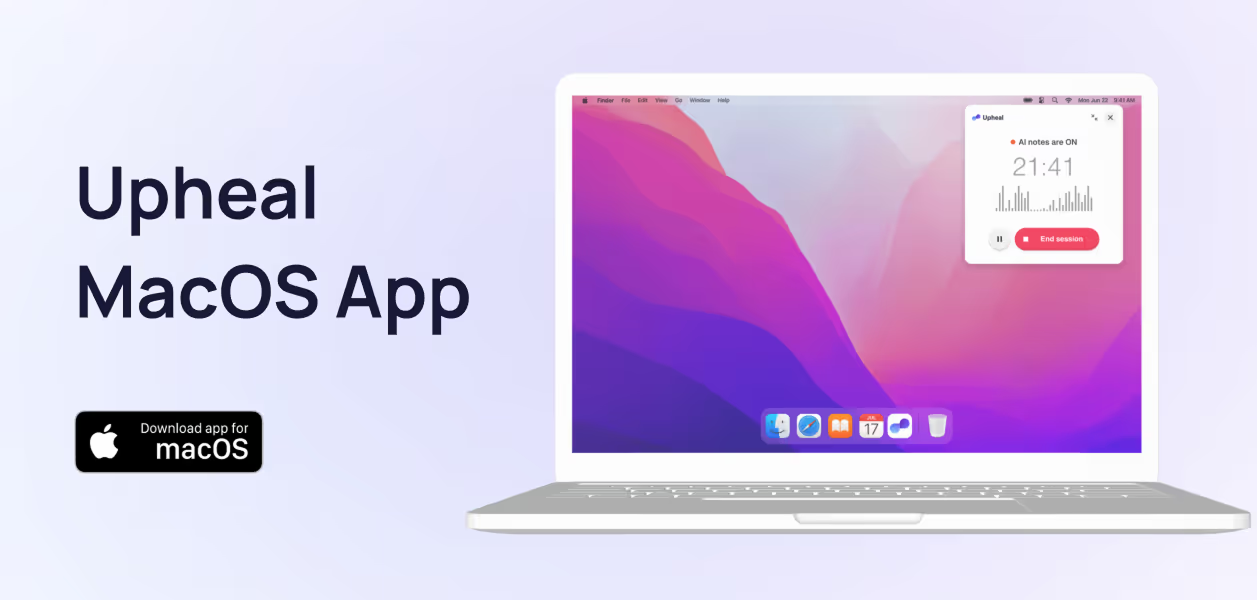
The simplest, most reliable way to get notes from online sessions is here: Our desktop app for MacOS, Upheal AI Notes.
What makes the desktop app great?
Works with any call on your computer: Capture sessions on any telehealth or EHR platform, in any web browser
Compatible with other desktop apps: Record from other standalone apps like Zoom
You can use headphones 🎧
Upcoming Sessions: Instantly see what’s next when you schedule through Upheal.
Stop-Time Reminders: Get a gentle nudge so you never forget to end a recording on time.
Smart Notifications: Be alerted before each session so you never miss an automated note again.
Compact Mode: Collapse the app into a sleek, minimal window that stays out of your way while recording.
How to use the app
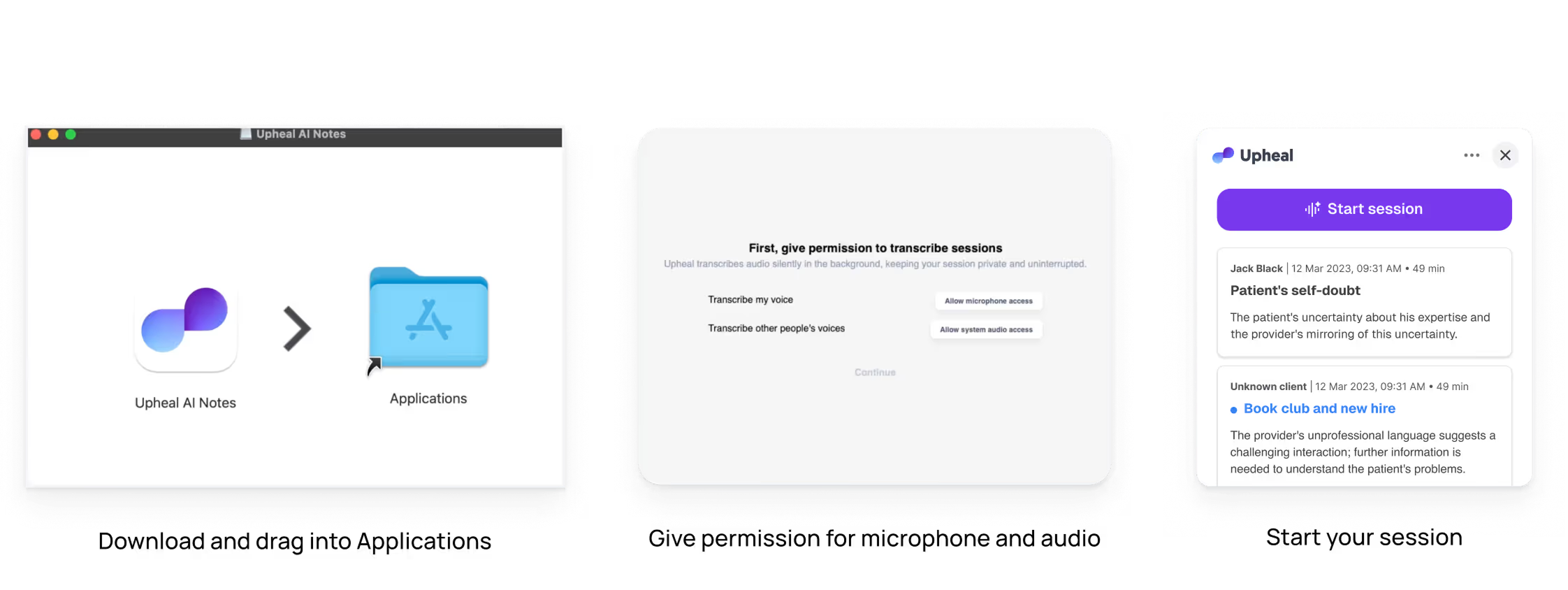
Download the app here (for MacOS only)
Open the downloaded .dmg file, then drag Upheal AI Notes to Applications
Grant permission to access microphone and system audio
The app will minimize to your Mac menu bar while it records
Remember to stop recording after your session