Easily migrate client files from other EHRs
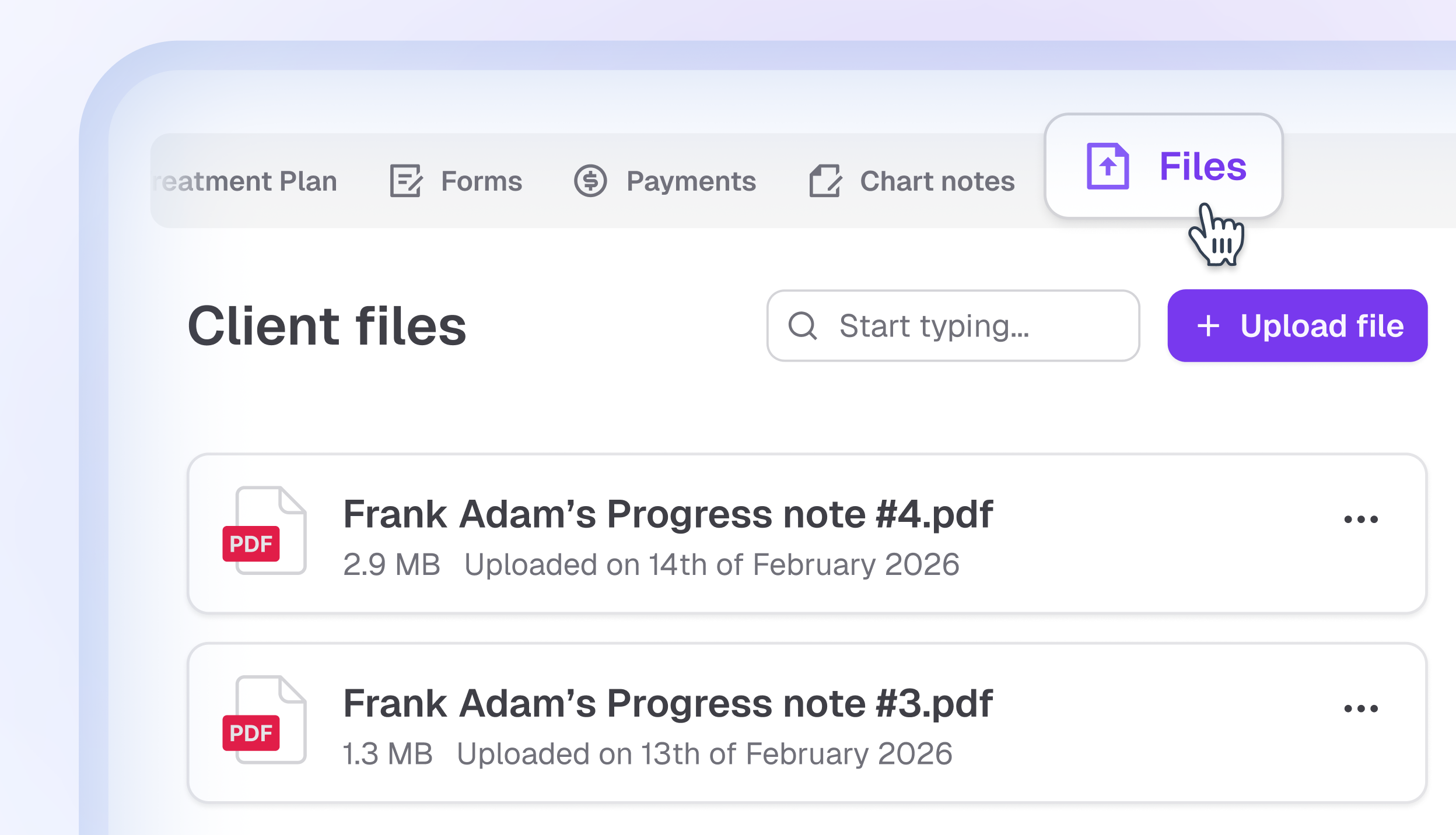
You can now upload and store documents directly in your client’s profile. The new Files tab makes it easy to keep homework, assessments, treatment plans, and other supporting materials in one secure place.
This is especially helpful if you are moving to Upheal from another EHR and need a quick and simple way to manually bring over important documents.
What this means for you
Keep client-related files organized and easy to access
Manually migrate documents from other EHRs when needed
Store any file type up to 50 MB in a secure, HIPAA-compliant environment
How to use it:
Go to Clients → open a client profile → click the Files tab → Add files → Upload or Download as required